
Ever strapped on a piece of gear that felt like it held the secrets to the ocean itself? That’s kind of how a scuba diving computer can feel. It’s the central nervous system for your dive, constantly working to keep you safe and informed.
Understanding exactly how this powerful tool functions is key to diving with confidence.

Today's Exclusive Deals
Limited-time Exclusive Deals. Check current discount on Amazon.
Check Price on Amazon As an Amazon Associate I earn from qualifying purchases.This device does more than just tell you the time; it’s a sophisticated piece of underwater technology designed to manage your exposure to nitrogen and ensure a safe ascent. As of 2026, dive computers are essential for virtually all divers, with many models incorporating advanced features.
Quick Answer: Your Dive Computer's Core Function
A scuba diving computer works by using sensors to track your depth and dive time. It then processes this information through a decompression algorithm, calculating how much nitrogen your body absorbs. This allows it to display your No-Decompression Limit (NDL) and provide crucial ascent rate warnings and safety stop guidance.
The Sensors: How It Reads the Water
At the heart of every dive computer is a set of sensors that act as its eyes and ears underwater. These sensors are constantly gathering critical data that the computer's brain then uses to make life-saving calculations.
The primary sensor is the pressure sensor. This is what allows the computer to know how deep you are. Manufacturer specifications confirm that these sensors measure the ambient water pressure.
Since water pressure increases predictably with depth, the computer translates this pressure reading into your current depth. For instance, for every 10 meters (33 feet) you descend in seawater, the pressure increases by about 1 atmosphere (bar). So, if a computer reads 2 atmospheres of pressure, it knows you're at about 10 meters deep.

Image source: Web (Bing) / storage.googleapis.com (Web image (fair-use with source credit))
Alongside the pressure sensor, there's a highly accurate dive time clock. This starts when you enter the water and stops when you surface, meticulously recording the duration of your dive. This time, combined with the depth information, is fundamental to all subsequent calculations.
Some advanced models also include a gas pressure sensor to monitor the remaining air in your tank, and a temperature sensor, which can sometimes factor into algorithm calculations.
The Algorithm: The Brains Behind Your Ascent
This is where the magic happens. The data from the pressure and time sensors feeds into a complex set of calculations known as a decompression algorithm. This algorithm is the core software that determines your dive limits and safety protocols.
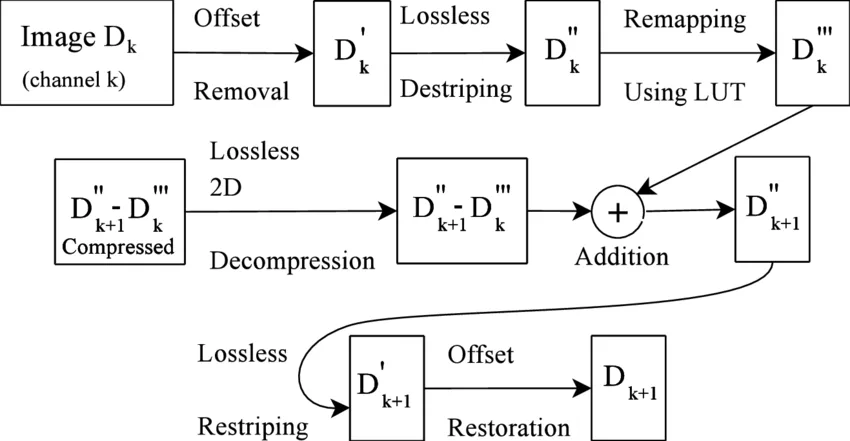
Image source: Web (Bing) / researchgate.net (Web image (fair-use with source credit))
The fundamental principle is managing nitrogen loading. When you breathe compressed air underwater, which is about 79% nitrogen, that nitrogen dissolves into your body's tissues under pressure. The deeper and longer you dive, the more nitrogen your tissues absorb.
If you ascend too quickly, this dissolved nitrogen can form bubbles, leading to decompression sickness (DCS), often called "the bends."
Dive computers use various algorithms, such as the Bühlmann decompression algorithm or variations like the RGBM (Reduced Gradient Bubble Model), to estimate the nitrogen saturation in different tissue groups. These algorithms calculate how much nitrogen your body can safely hold at any given depth and time before you risk forming bubbles upon ascent. They continuously update these calculations throughout your dive.
If you're approaching your safe limits, the computer will warn you, often with a countdown of your No-Decompression Limit (NDL). For those planning dives where mandatory decompression stops might be required, understanding the principles behind proper dive planning is crucial.
What Your Dive Computer Screen Tells You
All the data processed by the sensors and algorithm is presented to you on the dive computer's display, usually in an easy-to-read format. Being able to quickly interpret these readings is essential for making informed decisions underwater.
Key information you'll always see includes:
- Current Depth: This shows exactly how deep you are at any given moment.
- Maximum Depth: The deepest point reached during the current dive.
- Dive Time: The total elapsed time underwater for the current dive.
- No-Decompression Limit (NDL): This is perhaps the most critical display. It indicates how much longer you can remain at your current depth without needing mandatory decompression stops on ascent. This number decreases as you stay longer underwater or go deeper.
- Ascent Rate Indicator: Most modern computers include a visual or audible warning if you are ascending too quickly. Ascending faster than the recommended rate (typically around 9-10 meters or 30 feet per minute) significantly increases the risk of DCS.
Depending on your computer's model, you might also see:
- Safety Stop Countdown: If your dive profile warrants it, the computer will prompt you to perform a safety stop, usually at 5 meters (15 feet), and indicate the required duration.
- Remaining Air Time: For air-integrated computers, this shows how much air you have left in your tank and an estimate of how long it will last based on your current breathing rate. This is a feature found on many advanced dive computers, including those designed for technical diving.
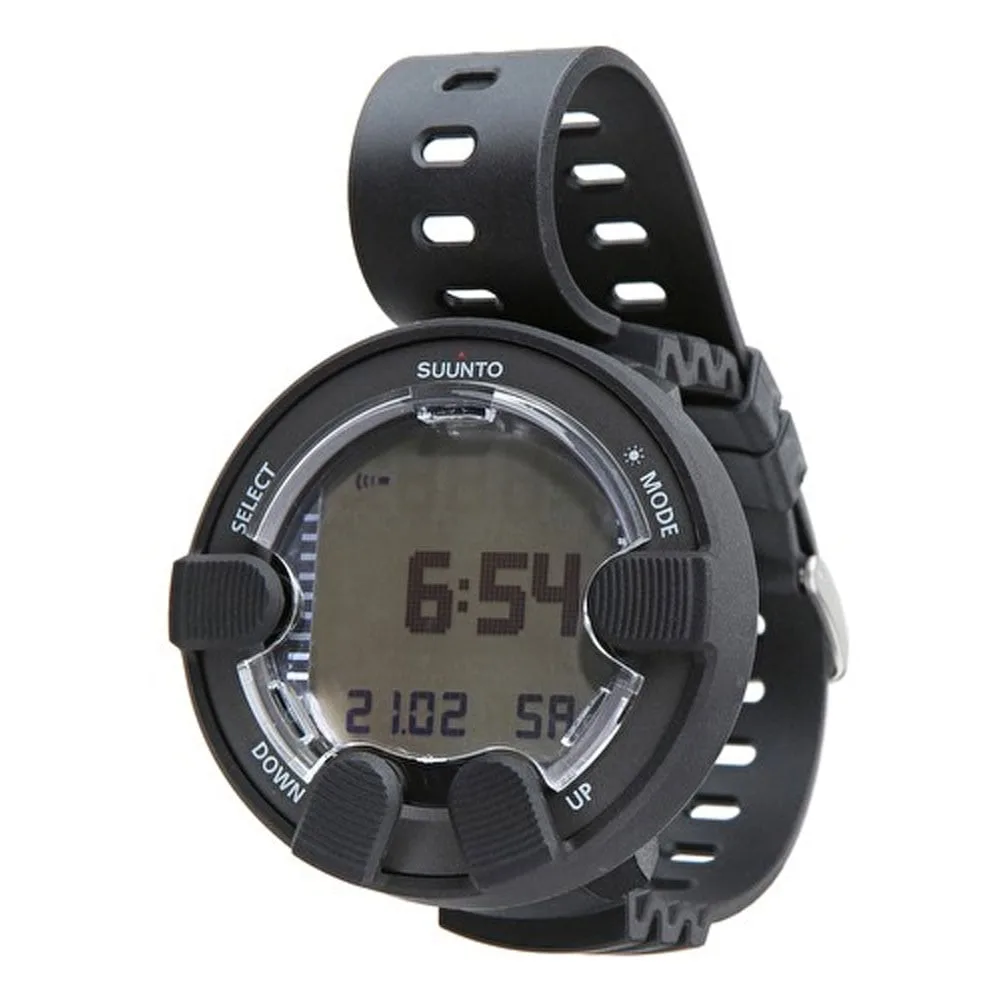
Image source: Web (Bing) / scubadoctor.com.au (Web image (fair-use with source credit))
Why Understanding It Matters for Your Dives
Knowing how your dive computer works isn't just about impressing fellow divers with technical knowledge; it directly impacts your safety and enjoyment underwater. It empowers you to be a more proactive and informed diver.
Firstly, it builds trust. When you understand the principles behind the numbers, you can have more confidence in the computer’s guidance. You're not just blindly following a device; you understand why it's telling you to slow your ascent or perform a safety stop.
This understanding is vital, especially in situations where you might be tempted to cut a dive short or rush your ascent.
Secondly, it improves dive planning and execution. By knowing how depth and time affect your NDL, you can make better decisions about your dive profile. You can plan to stay within your computer's limits to maximize your bottom time safely, rather than arriving at the bottom and finding out you have very little time before you need to start thinking about mandatory stops.
This is particularly relevant when exploring deeper sites or planning multi-level dives. Having the right gear, like a well-fitting scuba diving wetsuit for cold water, ensures comfort, which also helps in staying focused on your computer.
Finally, it helps you recognize potential issues. While dive computers are incredibly reliable, understanding their function means you might notice an anomaly. For example, if your computer suddenly shows a very short NDL at a shallow depth, you might investigate if there was a sensor issue or a rapid pressure change.
This foundational knowledge ensures you’re always an engaged participant in your own dive safety.
Common Mistakes Divers Make with Their Computers
Even with sophisticated technology, diver error can still lead to problems. Many common dive computer mistakes stem from a lack of understanding or complacency.
One of the most significant errors is ignoring or misinterpreting the NDL. Divers might see the NDL counting down and decide to push it just a little bit further, assuming they have a small buffer. However, algorithms are designed with safety margins, and exceeding the NDL puts you at increased risk for decompression sickness.
Remember, the NDL is the limit for no mandatory stops, not a target to dive towards.
Another frequent mistake is ascending too quickly. Dive computers have ascent rate indicators for a reason. Rapid ascents can cause the nitrogen dissolved in your tissues to bubble out too fast.
This can be exacerbated by ignoring the computer's ascent warnings. Forgetting to factor in a safety stop, or cutting it short, is also a common misstep that reduces your body's ability to safely off-gas residual nitrogen.
Some divers also make the mistake of switching dive computers between dives or on repetitive dives. While modern computers are smart, each one uses its own algorithm, and switching can confuse the cumulative nitrogen loading calculation. It's best practice to stick with one computer for a series of dives if possible, or at least consult its manual for procedures on transitioning between computers.
Furthermore, neglecting to properly set the gas mix (like Nitrox) before a dive is a critical error that can lead to inaccurate NDLs and potentially oxygen toxicity. Always double-check your computer settings before entering the water.