
Most Keiser M3i problems come from power, Bluetooth, belt tension, loose parts, or incorrect setup.
Keiser M3I Troubleshooting is often simple when you check the bike in the right order. The M3i has a strong design, but its console, Bluetooth system, resistance unit, pedals, and drive belt can still develop issues. This guide explains the most common faults, safe fixes, maintenance checks, and signs that you need professional service.

Today's Exclusive Deals
Limited-time Exclusive Deals. Check current discount on Amazon.
Check Price on Amazon As an Amazon Associate I earn from qualifying purchases.
Start With Basic Keiser M3I Troubleshooting
Before taking anything apart, make the problem clear. Does the bike fail to turn on, show the wrong speed, make noise, lose Bluetooth, or feel rough while pedaling?
Use this quick inspection:
- Turn the bike off and remove the rider from the seat.
- Check that the pedals turn freely.
- Look for loose bolts, damaged wires, or cracked plastic.
- Confirm that the console has working batteries.
- Move the resistance knob through its full range.
- Restart the bike and test it at a low speed.
- Record any error message or unusual sound.
The Keiser M3i does not use a large external power supply like many indoor bikes. Its console depends on batteries and movement from the bike. This means a weak battery, poor battery contact, or a sensor issue can look like a major electronic failure.
Today's Exclusive Deals
Limited-time Exclusive Deals. Check current discount on Amazon.
Check Price on Amazon As an Amazon Associate I earn from qualifying purchases.A safe test takes only a few minutes. Do not force the resistance knob, spray cleaner into the console, or open the flywheel housing while the bike is moving.

Source: luasmusic.com
Keiser M3I Console Will Not Turn On
A blank display is one of the most common reasons people search for Keiser M3I Troubleshooting. In many cases, the issue is a battery problem rather than a failed console.
Check these items first:
Today's Exclusive Deals
Limited-time Exclusive Deals. Check current discount on Amazon.
Check Price on Amazon As an Amazon Associate I earn from qualifying purchases.• Install fresh batteries of the correct type.
• Confirm that the batteries sit in the correct direction.
• Inspect the battery contacts for dirt or corrosion.
• Make sure the battery cover is closed properly.
• Turn the pedals for several seconds to wake the console.
• Check for loose or damaged wires near the display and handlebar.
If the display stays blank, remove the batteries for a short time. Then install a new set and pedal again. This can clear a temporary power fault, but it will not repair a damaged circuit.
A display that turns on and then shuts off may point to weak batteries, poor contact, or a loose connection. If fresh batteries do not help, stop using the bike until a qualified technician checks the console and wiring.
Display turns on but shows incorrect data
The M3i console tracks speed, distance, time, watts, heart rate, and other workout data. Incorrect readings can come from a low battery, a speed sensor problem, or an issue with the magnet and sensor alignment.
Keep in mind that calorie and power estimates are not medical measurements. They can vary with user weight, riding position, heart rate data, and calibration.
Keiser M3I Bluetooth and Heart Rate Problems
Bluetooth problems are another common part of Keiser M3I Troubleshooting. The M3i can send workout data to compatible apps and devices, but pairing depends on the console, app, and mobile device working together.
Try these steps:
- Turn Bluetooth off on the phone or tablet.
- Close the workout app completely.
- Restart the mobile device.
- Replace the bike console batteries if they are weak.
- Turn Bluetooth back on.
- Open the app and search for the bike from inside the app.
- Keep the device close to the console during pairing.
- Disconnect other nearby fitness devices if the app connects to the wrong one.
Many apps do not pair through the normal phone settings menu. They search for the bike inside the app. If the bike appears in the phone’s Bluetooth list but not in the app, check the app’s permissions and compatibility.
Heart rate data can also fail for a simple reason. A chest strap must have good skin contact, a charged battery, and the correct transmission standard for the console or app. A dry strap, loose fit, or nearby wireless interference can cause missing or unstable readings.
Why the app connects but shows no data
A Bluetooth connection does not always mean that every data field will appear. Some apps accept cadence but not power, or they require a special connection mode.
Check the app’s supported equipment list. Also update the app and mobile device software, but avoid updating firmware from an unknown website or unofficial file.
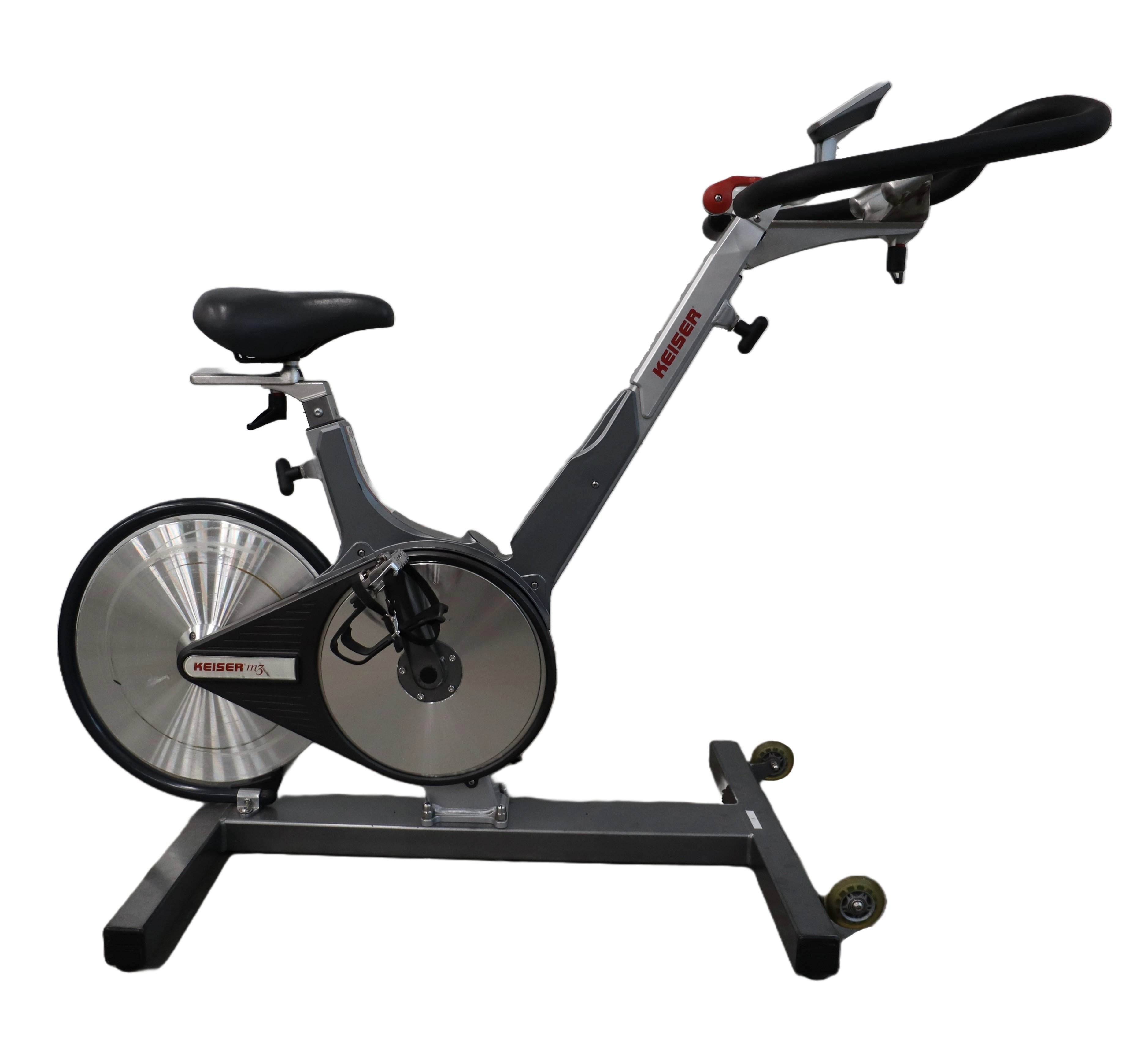
Source: locum-concept.pl
Keiser M3I Resistance Feels Too Easy or Too Hard
The resistance knob controls the magnetic resistance system. It should turn smoothly and create a clear change in effort as you rotate it.
If the resistance feels wrong, follow this Keiser M3I Troubleshooting process:
• Turn the knob slowly from low resistance to high resistance.
• Listen for scraping, clicking, or rubbing sounds.
• Check whether the knob feels loose or spins without changing effort.
• Confirm that the resistance cable is connected and not damaged.
• Test the bike while pedaling slowly.
A magnetic resistance system may feel different from a friction bike. The flywheel can keep moving after you reduce effort, while the resistance remains controlled by the knob. This is normal and does not mean the bike has no braking control.
If the knob turns freely but the effort does not change, the resistance cable, adjustment mechanism, or magnetic assembly may need service. Do not bend the cable or adjust the magnet by guesswork. Incorrect adjustment can create more problems and may affect safe operation.
If resistance suddenly becomes very high, stop pedaling. A trapped cable, damaged adjustment part, or mechanical fault may be placing stress on the drive system.
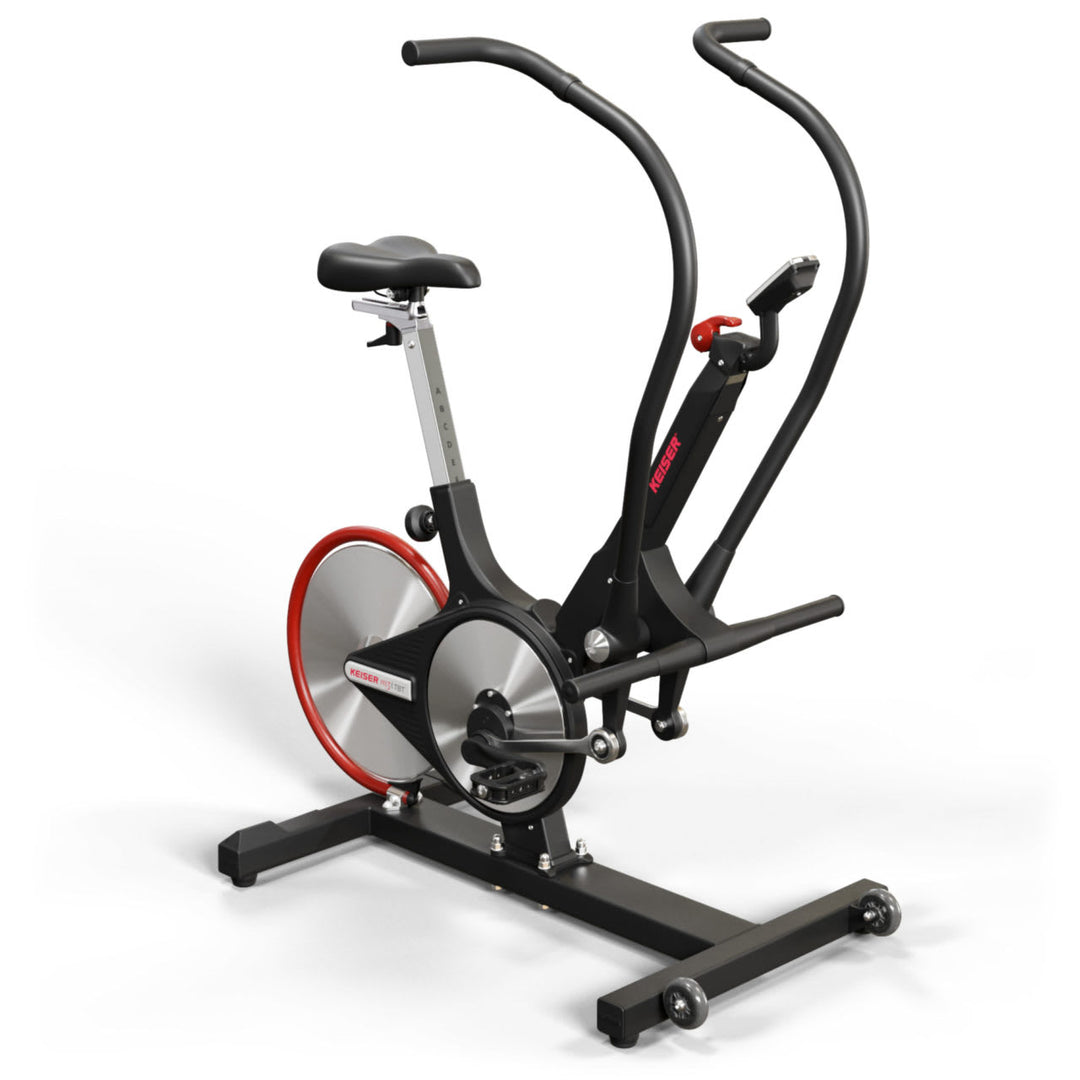
Source: segworks.com
Keiser M3I Belt, Pedal, and Crank Issues
The belt transfers power from the crank to the flywheel. It should run smoothly and quietly. A loose belt can slip, while an overly tight belt can create drag and shorten the life of bearings.
Common symptoms include:
• A squeal during hard efforts.
• A brief slip when standing on the pedals.
• A rhythmic clicking sound.
• Uneven pedaling.
• A crank that feels loose.
• A belt that looks frayed or damaged.
Pedal and crank problems need careful attention. A loose pedal can damage the crank threads. A loose crank arm can cause wobble and may become unsafe under load.
Check that each pedal is fitted on the correct side. Pedals use different thread directions, so forcing the wrong pedal can damage the crank. Tighten parts with the correct tool and torque guidance from the official service information.
In repair work, one lesson comes up again and again: noise often travels through the frame. A sound that seems to come from the flywheel may actually come from a pedal, crank, seat rail, or loose handlebar bolt. Isolate the sound before replacing expensive parts.
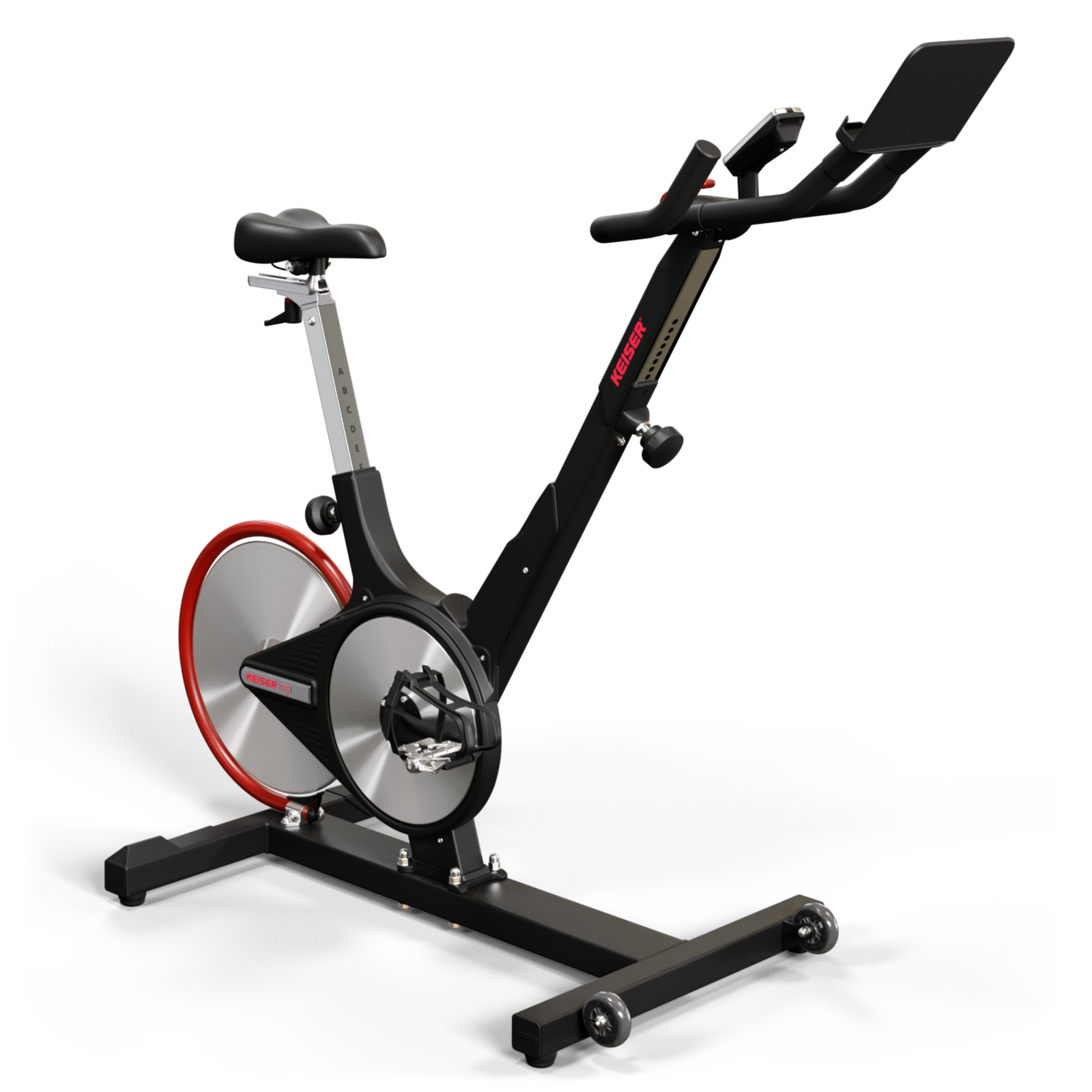
Source: gottesdienst-tv.de
Keiser M3I Troubleshooting for Unusual Noise
A quiet bike is easier to inspect than a noisy one. First, note when the sound happens. Does it occur only when standing, only at high speed, or on every pedal stroke?
Use this simple sound guide:
| Sound | Likely area | First check |
|---|---|---|
| Clicking | Pedal, crank, or loose bolt | Check pedal and crank tightness |
| Squealing | Belt or bearing area | Inspect for slip or wear |
| Scraping | Flywheel or guard | Look for contact or misalignment |
| Knocking | Frame, crank, or bearing | Stop and inspect loose parts |
| Humming | Console or wireless device | Check batteries and connections |
Do not spray oil on the belt or flywheel. Lubricant can cause belt slip and may damage parts. The correct service method depends on the component and the instructions for that model.
If a noise gets louder with speed, stop the test. A technician should inspect the flywheel, belt, bearings, and mounting points before the bike returns to regular use.
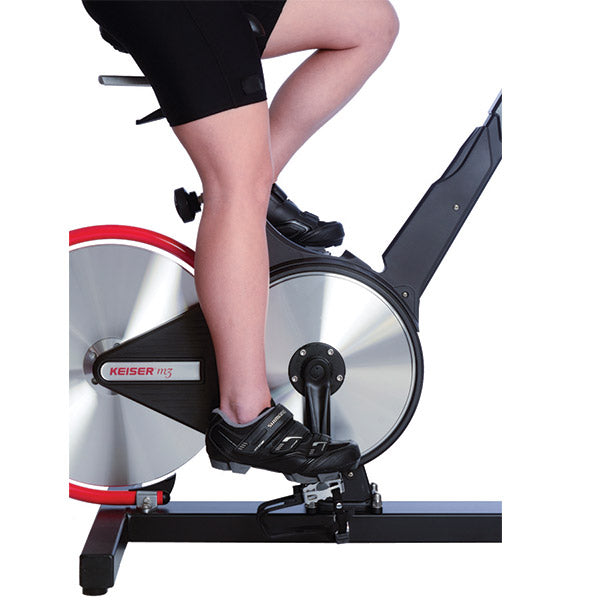
Source: luasmusic.com
Keiser M3I Seat and Handlebar Adjustment Problems
Some complaints blamed on the bike are really fit problems. A seat that is too low can make pedaling feel heavy. A handlebar that is too far away can create shoulder and wrist strain.
For a better setup:
- Set the seat near hip height while standing beside the bike.
- Sit and place one heel on the pedal at its lowest point.
- Adjust the seat so the knee is almost straight with the heel on the pedal.
- Recheck the position with the ball of the foot on the pedal.
- Set the handlebar so your shoulders stay relaxed.
- Tighten the adjustment knobs before riding.
The seat and handlebar should not move during a workout. If they slide after tightening, inspect the adjustment knob, locking pin, threads, and contact surfaces.
Never use a damaged adjustment part. A slipping seat can cause loss of balance, especially during standing climbs.

Source: roperssportsnews.com
Keiser M3I Pedaling Feels Rough or Uneven
Rough motion can come from several areas. It may be a pedal bearing, crank issue, belt problem, flywheel alignment fault, or a bike that is not level on the floor.
Start with these checks:
• Place the bike on a firm, level surface.
• Adjust the leveling feet if needed.
• Turn the pedals slowly by hand.
• Check for side-to-side crank movement.
• Inspect both pedals for damage.
• Listen for a repeating sound on each rotation.
A problem that repeats at the same point in every rotation often involves the pedal, crank, or bearing. A problem that changes with speed may involve the belt, flywheel, or resistance system.
Do not continue riding through rough motion. Small play in a crank or pedal can become a larger repair if the bike is used under heavy load.
Keiser M3I Troubleshooting After Moving the Bike
The M3i is heavy, and moving it can shift parts or loosen fasteners. After relocating the bike, inspect it before the next workout.
Check the following:
• Stabilizer feet and frame bolts.
• Handlebar and seat adjustment points.
• Pedals and crank arms.
• Console mount and wire connections.
• Flywheel guards and belt area.
• Floor contact and bike stability.
Place the bike on a firm surface with enough space around it. Keep it away from moisture, extreme heat, and direct water spray. Sweat can collect on metal parts, so wipe the frame and adjustment areas after each session.
A short post-move check can prevent a loose handlebar or pedal from becoming a safety problem.
Keiser M3I Maintenance Tips
Good maintenance reduces the need for Keiser M3I Troubleshooting. It also helps you spot small faults before they affect a workout.
Use this routine:
After each workout
• Wipe sweat from the frame, handlebar, seat post, and adjustment knobs.
• Check for a new sound or change in resistance.
• Make sure the bike is stable.
Each week
• Inspect pedals, cranks, and visible bolts.
• Check the seat and handlebar locking points.
• Clean the console with a soft, slightly damp cloth.
• Look for damaged wires or loose covers.
At regular service intervals
• Follow the current maintenance schedule for your exact M3i model.
• Have belts, bearings, and resistance parts inspected when needed.
• Replace damaged components with approved parts.
Avoid harsh cleaners, pressure washers, and excessive water. Never remove safety covers while the bike is in use.
Maintenance records are useful if you need warranty support. Write down the date, symptom, battery change, and any repair work.
When to Stop Riding and Call for Service
Some faults are not suitable for home repair. Stop using the bike if you notice:
• A burning smell.
• Smoke or melted plastic.
• A cracked frame or damaged flywheel guard.
• A pedal or crank that wobbles.
• Sudden loss of resistance control.
• A belt that slips badly.
• Exposed wires.
• A loud grinding sound.
• Repeated console failure after new batteries.
Keiser M3I Troubleshooting should never replace a safety inspection. If the repair requires opening the resistance or flywheel assembly, use a trained service professional. Keep your model details and serial number ready when contacting support.
A useful service report includes the exact symptom, when it occurs, recent moves or repairs, and a short video of the sound if safe to record.
Common Keiser M3I Troubleshooting Mistakes
Many repairs become harder because the first step is rushed. Avoid these common mistakes:
• Changing several parts at once without testing the cause.
• Using the wrong batteries.
• Pairing the bike through phone settings instead of the workout app.
• Forcing pedals into the wrong crank side.
• Spraying lubricant on the belt.
• Tightening bolts without checking alignment.
• Ignoring a loose crank because the bike still works.
• Continuing to ride after a grinding sound starts.
The best method is simple: change one thing, test one thing, and record the result. This turns a confusing fault into a clear process.
Frequently Asked Questions of Keiser M3I Troubleshooting
Why will my Keiser M3i console not turn on?
Install fresh batteries and check their direction and contact points. Then pedal for a few seconds to wake the console; if the display remains blank, inspect the wiring or contact a qualified technician.
How do I fix Bluetooth pairing on a Keiser M3i?
Restart both the bike console and mobile device, then pair through the compatible fitness app rather than only through the phone’s Bluetooth menu. Keep the device nearby and check app permissions and compatibility.
Why does my Keiser M3i make a clicking sound?
A clicking sound often comes from a loose pedal, crank arm, or bolt. Stop riding, inspect these parts, and seek service if the sound continues after tightening with the correct procedure.
Why does the resistance knob not change the workout effort?
The resistance cable or magnetic adjustment system may be loose, damaged, or misaligned. Do not force the knob; arrange a service inspection if the effort stays the same across the full adjustment range.
How often should I maintain a Keiser M3i?
Wipe sweat from the bike after every workout and inspect adjustment points, pedals, cranks, and bolts regularly. Follow the maintenance guidance for your exact model and replace damaged parts promptly.
Can I use any fitness app with the Keiser M3i?
No. App support can vary by device, operating system, connection method, and data type. Check whether the app supports M3i Bluetooth data before troubleshooting the bike itself.
Is it safe to keep riding when the bike makes a grinding noise?
No. Grinding may indicate a bearing, belt, flywheel, or alignment problem. Stop using the bike until the cause is identified and repaired.
Conclusion
Keiser M3I Troubleshooting works best when you begin with simple checks: batteries, connections, Bluetooth settings, adjustment points, pedals, cranks, belt condition, and floor stability. Many small faults are easy to solve, but noise, wobble, burning smells, damaged wires, and sudden resistance changes require professional attention.
Treat the M3i like a trusted car. A quick check before each ride can prevent a small issue from becoming an expensive repair. Use this guide during your next inspection, follow the correct service instructions for your model, and contact qualified support when safety is uncertain.