
What Is A Dive Computer Used For In Scuba Diving?
Scuba diving opens up a world of adventure, but it comes with risks. Staying safe underwater is not only about skill—it’s about knowing your limits and making the right decisions. This is where dive computers play a crucial role. If you’re new to diving, you might wonder why so many divers depend on these devices. Are they really necessary? What exactly do they do? Understanding the purpose and benefits of dive computers can make your dives safer, longer, and much more enjoyable.
The Core Purpose Of A Dive Computer
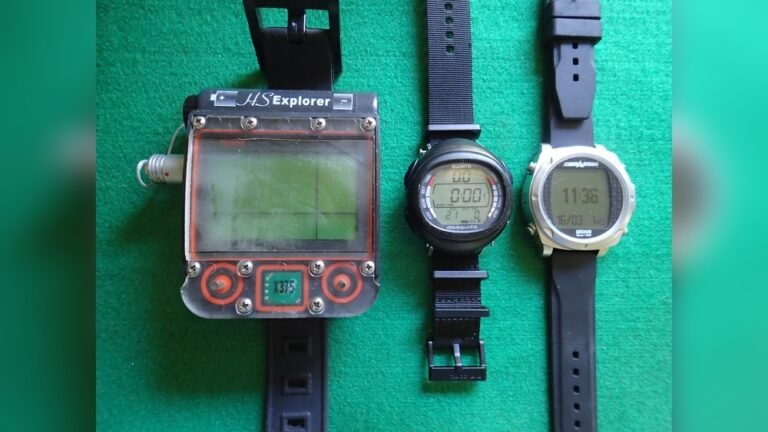
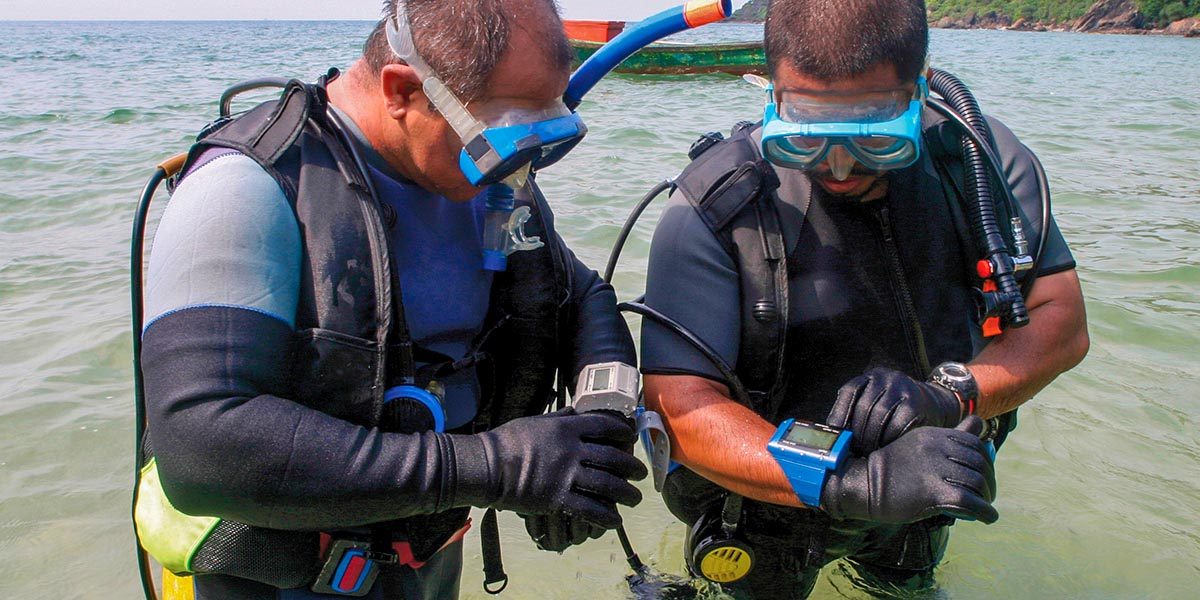
A dive computer is an electronic device, worn on your wrist or attached to your gear, that tracks your depth, time, and other vital information during a dive. Its main job is to help you avoid decompression sickness (also known as “the bends”). Decompression sickness happens when you ascend too quickly, causing dissolved gases (mainly nitrogen) to form bubbles in your body. The dive computer uses real-time data to keep you within safe limits, making it easier to plan and enjoy your dives.
How Dive Computers Work
Dive computers constantly monitor your depth and bottom time (how long you spend underwater). They use this data along with a mathematical model—called a decompression algorithm—to calculate how much nitrogen your body is absorbing at any moment. By doing this, the computer can tell you:
- How long you can safely stay at your current depth
- When you should start ascending
- If you need to stop on your way up to release extra nitrogen
This real-time tracking is much more accurate than using printed dive tables, which only provide rough estimates and don’t account for changes during your dive.
Key Sensors And Components
Most modern dive computers use:
- Pressure sensors: Measure water pressure to determine your depth
- Timer/clock: Keeps track of dive time
- Microprocessor: Runs the decompression algorithm
- Display: Shows essential information such as depth, time, and warnings
Some advanced models even offer compass functions, air integration, and wireless connectivity to smartphones.
Main Functions Of A Dive Computer
Let’s break down the most important tasks that a dive computer performs for divers.
1. Tracks Depth And Time
The two most basic measurements are current depth and elapsed dive time. These are shown on the display at all times, so you always know how deep you are and how long you’ve been underwater.
2. Calculates No-decompression Limit (ndl)
Your No-Decompression Limit is the maximum time you can stay at a certain depth without needing to make mandatory stops on your way up. The computer updates your NDL in real time, based on your dive profile, which is far more accurate than relying on dive tables.
3. Monitors Ascent Rate
Ascending too quickly can be dangerous. Most dive computers have ascent rate monitors that warn you if you’re going up faster than is considered safe. If you exceed the safe speed, the computer will alert you with a beep or flashing light.
4. Displays Safety And Decompression Stop Information
Sometimes, you need to stop during your ascent to let your body release excess nitrogen. The dive computer will tell you:
- When to stop
- How long to stay at the stop
- At what depth to make the stop
This guidance is critical for safe diving, especially on deeper or longer dives.
5. Logs Dive History
After your dive, the computer saves all your dive data. Many models store hundreds of dives, letting you review details like maximum depth, dive time, and water temperature. This is helpful for tracking your progress and planning future dives.
6. Manages Multiple Dives
If you make more than one dive in a day, your body may still have extra nitrogen from the previous dive. Dive computers account for this by tracking your surface interval (time spent out of the water between dives) and adjusting your no-decompression limits for the next dive.
7. Warns Of Potential Dangers
Dive computers provide visual and audible alarms to alert you to risks such as:
- Low battery
- Exceeding depth limits
- Ascending too fast
- Missing a decompression stop
These warnings give you time to correct your actions and avoid accidents.
Why Dive Computers Are Better Than Dive Tables
Before computers, divers used printed tables to plan their dives. While these tables work, they have important limits:
- They assume a square dive profile (going down to one depth and staying there), but most dives are multi-level.
- They don’t adjust for what you actually do underwater.
- There’s a higher risk of human error in calculations.
Dive computers solve these problems by tracking your exact dive profile. This means you can stay underwater longer—safely—because the computer knows when you spend time at shallower depths, which allows your body to release more nitrogen. Studies show that using dive computers can increase bottom time by 15-25% compared to using tables, especially on multi-level dives.
Types Of Dive Computers
There are several different types of dive computers to fit different needs and preferences. Here’s a comparison of the most common styles:
| Type | Main Features | Best For |
|---|---|---|
| Wrist-Mounted | Worn like a watch, compact, easy to check | Recreational & technical divers |
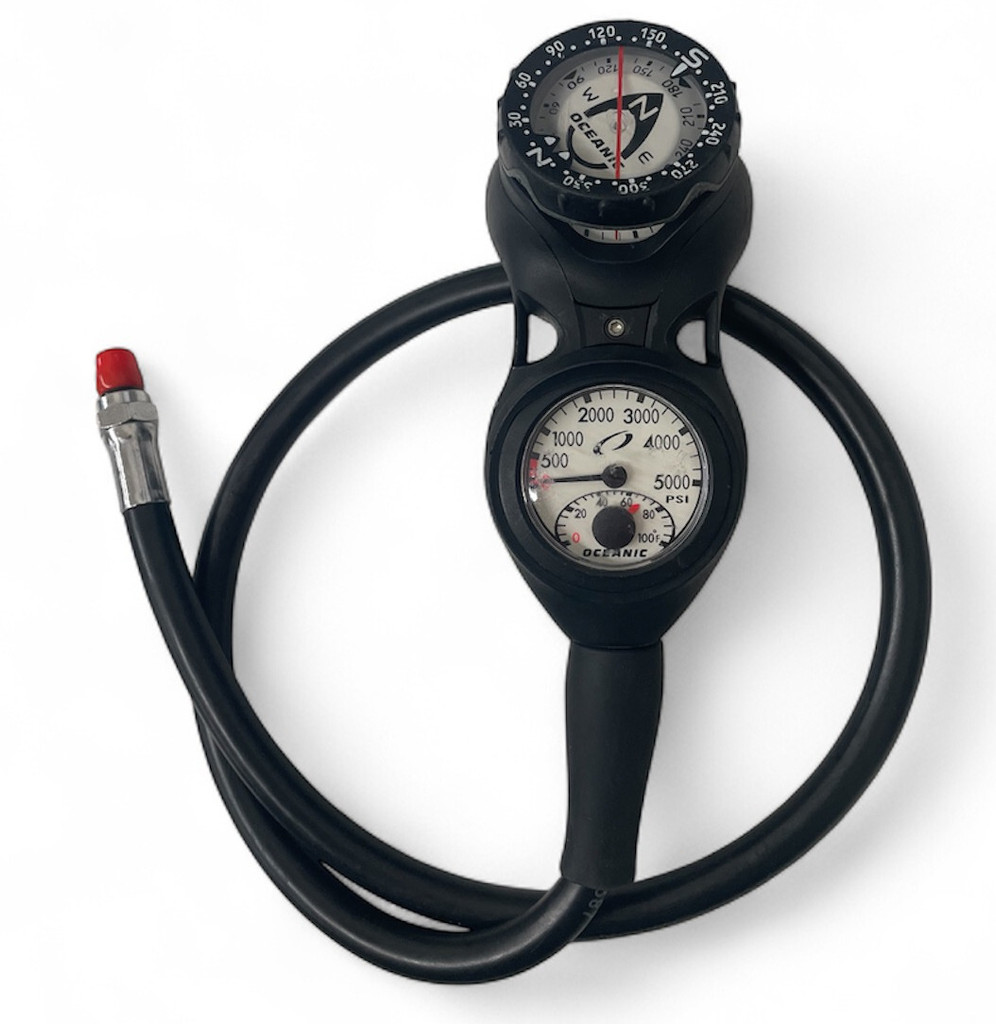
| Console-Mounted | Attached to regulator, larger display | Beginners, divers who want all info in one place |
| Watch-Style | Smallest, can be worn daily, stylish | Travelers, casual divers |
Some high-end models also offer air integration, displaying how much breathing gas you have left.
Advanced Features In Modern Dive Computers
Today’s dive computers do much more than basic calculations. Here are some extra features you might find:
Air Integration
Some computers can connect to your tank via a transmitter. This allows you to see your remaining air pressure and even estimate how much time you have left at your current depth.
Digital Compass
A built-in compass helps you navigate underwater without carrying separate equipment. This is useful for complex dives or poor visibility conditions.
Wireless Connectivity
Many models allow you to connect to your smartphone or computer. This makes it easy to download your dive logs, update firmware, or share dive data with friends.
Multiple Gas Mixes
Technical divers often use more than one breathing gas, such as nitrox or trimix. Advanced computers let you program and switch between different gas mixes during a dive.
User-replaceable Batteries
Some models let you change the battery yourself, saving time and money. Always check the water resistance rating after changing a battery.
Customizable Alarms
You can set up specific alarms for depth, time, or air pressure, making it easier to stick to your personal safety limits.
How To Use A Dive Computer
Getting the most from your dive computer means knowing how to set it up and read it correctly. Here are the key steps:
- Read the Manual: Each model is different. Learn the controls and symbols.
- Set Your Gas Mix: If you’re using nitrox, enter the right oxygen percentage.
- Plan Your Dive: Use the computer’s planning mode to check your no-decompression limits for your planned depth.
- Check Battery: Make sure the battery is fully charged or replaced.
- Monitor During Dive: Keep an eye on the display for depth, time, and warnings.
- Follow Ascent Guidance: If you get an alarm, stop and follow the computer’s instructions.
- Review Your Log: After the dive, look over your dive data and learn from it.
Common Mistakes Divers Make With Dive Computers
Even with the best equipment, mistakes can happen. Watch out for these common errors:
- Ignoring Alarms: Never dismiss warnings from your computer. They exist for your safety.
- Wrong Gas Settings: If you forget to set the right gas mix, you could get inaccurate no-decompression limits.
- Not Reading the Manual: Features vary between models, so always read the instructions.
- Assuming It’s Foolproof: Dive computers are aids, not substitutes for training and good judgment.
- Diving Beyond Limits: Don’t use a computer to push your limits. Always stay within your training.
Real-world Example: How A Dive Computer Prevents Accidents
Imagine a diver exploring a shipwreck at 30 meters (about 100 feet). The diver plans to stay for 20 minutes, following the dive table’s limit. But halfway through, the diver decides to move up to 20 meters and spend extra time exploring.
With a printed table, it’s hard to know if this is still safe. However, a dive computer tracks the time spent at both depths and automatically calculates the new no-decompression limit. If the diver gets close to the limit, the computer warns them, helping avoid an unsafe ascent.
Dive Computer Vs. Dive Table: Direct Comparison
Here’s a quick look at how dive computers and traditional dive tables differ:
| Feature | Dive Computer | Dive Table |
|---|---|---|
| Accuracy | High, adjusts for actual profile | Low, assumes square profile |
| Ease of Use | Very easy, automatic | Manual calculation needed |
| Safety Warnings | Real-time alarms | None |
| Dive Log | Automatic, detailed | Manual, basic |
Two Non-obvious Insights For New Divers
- Not All Algorithms Are the Same: Different brands use different decompression algorithms. Some are more conservative, meaning they give you shorter bottom times for extra safety. It’s important to learn which one your computer uses and what that means for your diving style.
- Dive Computers Don’t Replace Buddy Checks: Even with all the technology, you still need to dive with a buddy and follow safe diving practices. A computer can’t help if you run out of air or get lost.
The Importance Of Regular Maintenance
A dive computer is a life-support device. Take care of it like you would any other important equipment:
- Rinse it with fresh water after every dive
- Check for cracks or damage
- Update software if needed
- Replace the battery as recommended
Following the manufacturer’s guidelines can extend the life of your device and keep it working when you need it most.

Are Dive Computers Required For All Divers?
While not legally required everywhere, most dive operators strongly recommend or even require them for safety. For technical diving, a dive computer is essential. Even for recreational divers, using a computer can reduce anxiety and make diving more fun by taking the guesswork out of dive planning.
Many diving organizations, such as PADI, now include dive computer training in their courses. According to a study published by the National Center for Biotechnology Information, divers using computers have a lower risk of decompression sickness compared to those relying on tables.
Frequently Asked Questions
What Happens If My Dive Computer Fails During A Dive?
If your dive computer stops working, end your dive safely and ascend with your buddy. Always have a backup plan, such as carrying a dive table and timing device.
Can I Share A Dive Computer With My Buddy?
No, each diver must use their own computer. Dive computers track your personal dive profile, which can differ from your buddy’s even if you are together.
How Often Should I Replace The Battery In My Dive Computer?
Follow the manufacturer’s recommendations—usually once a year or after a set number of dives. Some models show a low battery warning before it becomes critical.
Is A Dive Computer Necessary For Shallow Dives?
Even on shallow dives, a computer can track your profile and warn you of risks. Many accidents happen in shallow water due to poor ascent rates or repeated dives.
Can I Use A Dive Computer For Freediving Or Snorkeling?
Some models have freediving or snorkeling modes, but always check the specifications. Standard dive computers are designed mainly for scuba use.
Diving is safer and more enjoyable with the right tools. A dive computer is one of the most important investments you can make for your underwater adventures. By understanding how it works and using it properly, you can explore the ocean with greater confidence and peace of mind.
